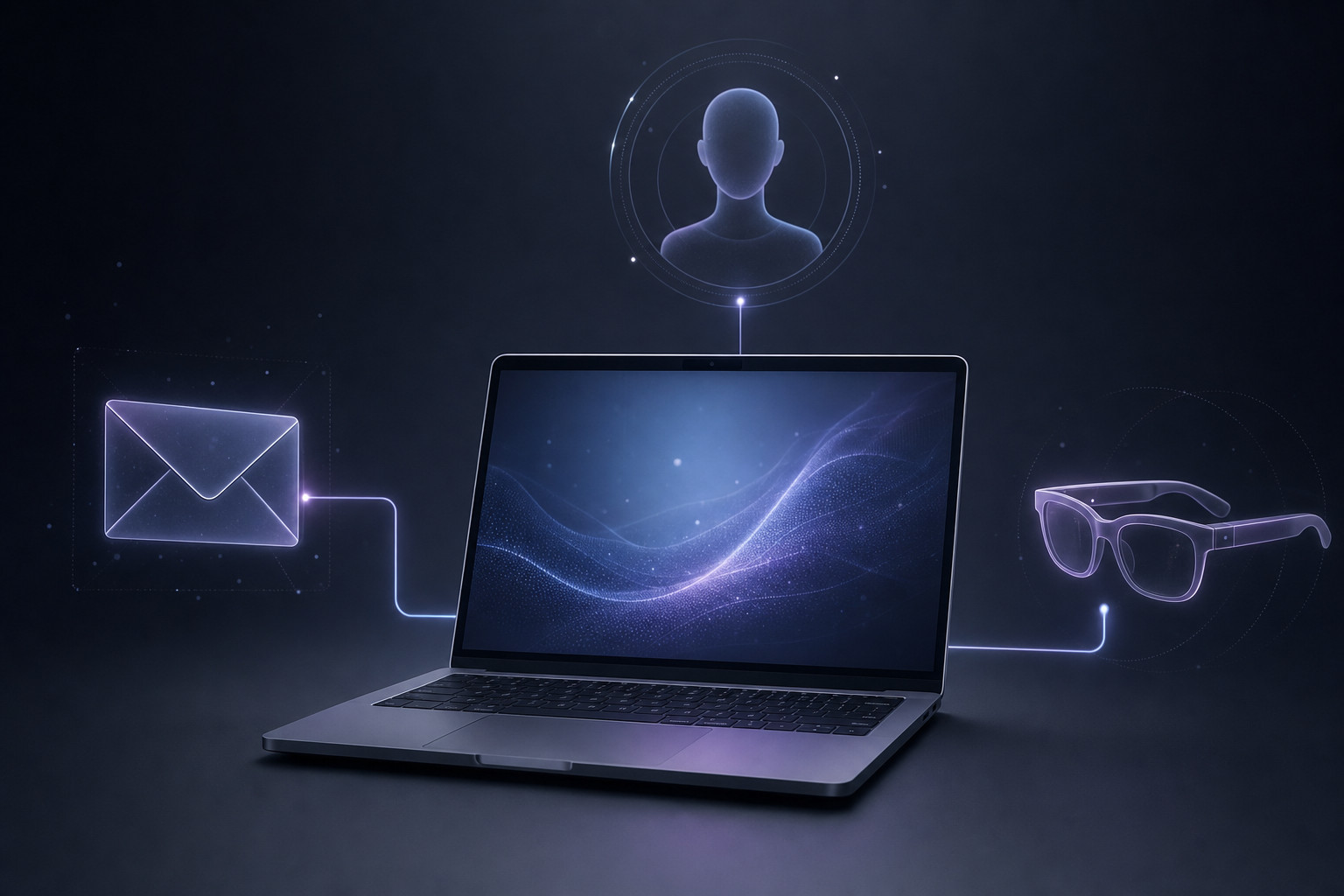
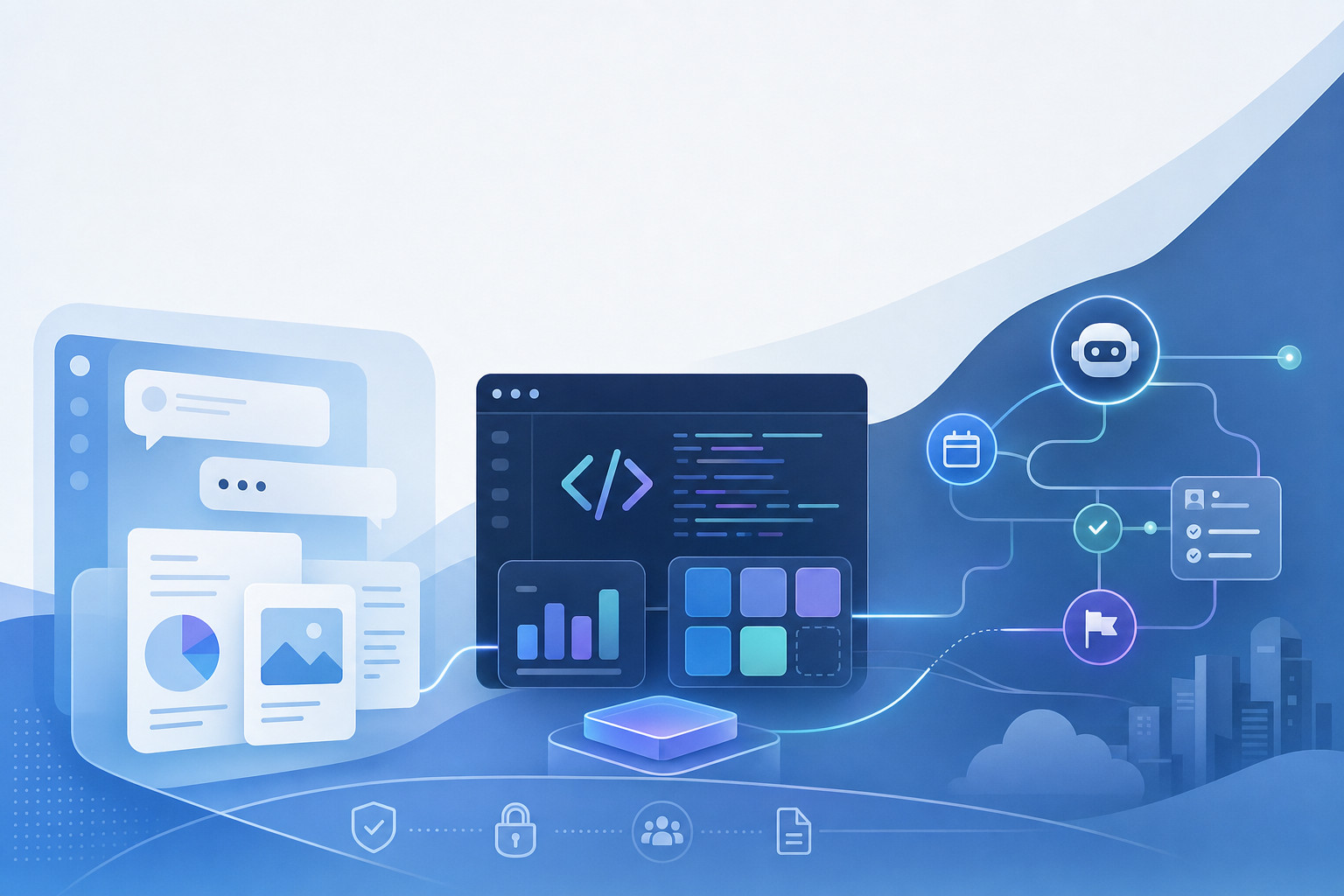
OpenAI has introduced Computer History, an optional feature in the ChatGPT desktop app for macOS that lets ChatGPT and Codex draw on a timeline of activity from apps and websites a user chooses to include. The feature is designed to help users recover recent work context, resume unfinished tasks and identify repeated workflows that could become reusable skills or automations.
Availability and controls
Computer History is off by default. OpenAI’s August 13 release notes say users can choose which apps and sites contribute activity, pause collection, inspect timeline items and delete them. The feature is initially available to ChatGPT Pro, Business and Enterprise users on macOS; Business and Enterprise administrators must first grant access before individual members can opt in. It is not initially available in the European Economic Area, the United Kingdom or Switzerland.
The central change is that context can now come from work that occurred outside a ChatGPT conversation. Reporting on OpenAI’s documentation describes the system as recording interaction events from permitted sources, including clicks, typing, keyboard shortcuts and app switches, along with context exposed through macOS accessibility features. It periodically turns that activity into text summaries and local memory files that ChatGPT and Codex can use later.
Privacy boundaries and deletion
That is a more expansive form of context than chat history, but OpenAI has put several boundaries around it. The company says Computer History does not capture screenshots, screen recordings, microphone input or system audio. Activity in private or incognito browser windows is also excluded. Those limits matter because a history feature can still encounter sensitive material in ordinary work applications or websites even when it is not recording a visual or audio copy of the desktop.
The deletion and exclusion controls are therefore part of the product’s practical privacy model, not simply settings-page details. Users can review timeline items and remove history, including by reported time ranges of 10 minutes, one hour, one day or all time. The available reporting does not establish a complete retention policy for the resulting local memory files beyond their remaining on the Mac until deleted, nor does it establish that deleting an item removes every possible server-side derivative or backup. Users handling sensitive work should not infer a broader deletion guarantee than the controls describe.
Server processing and training
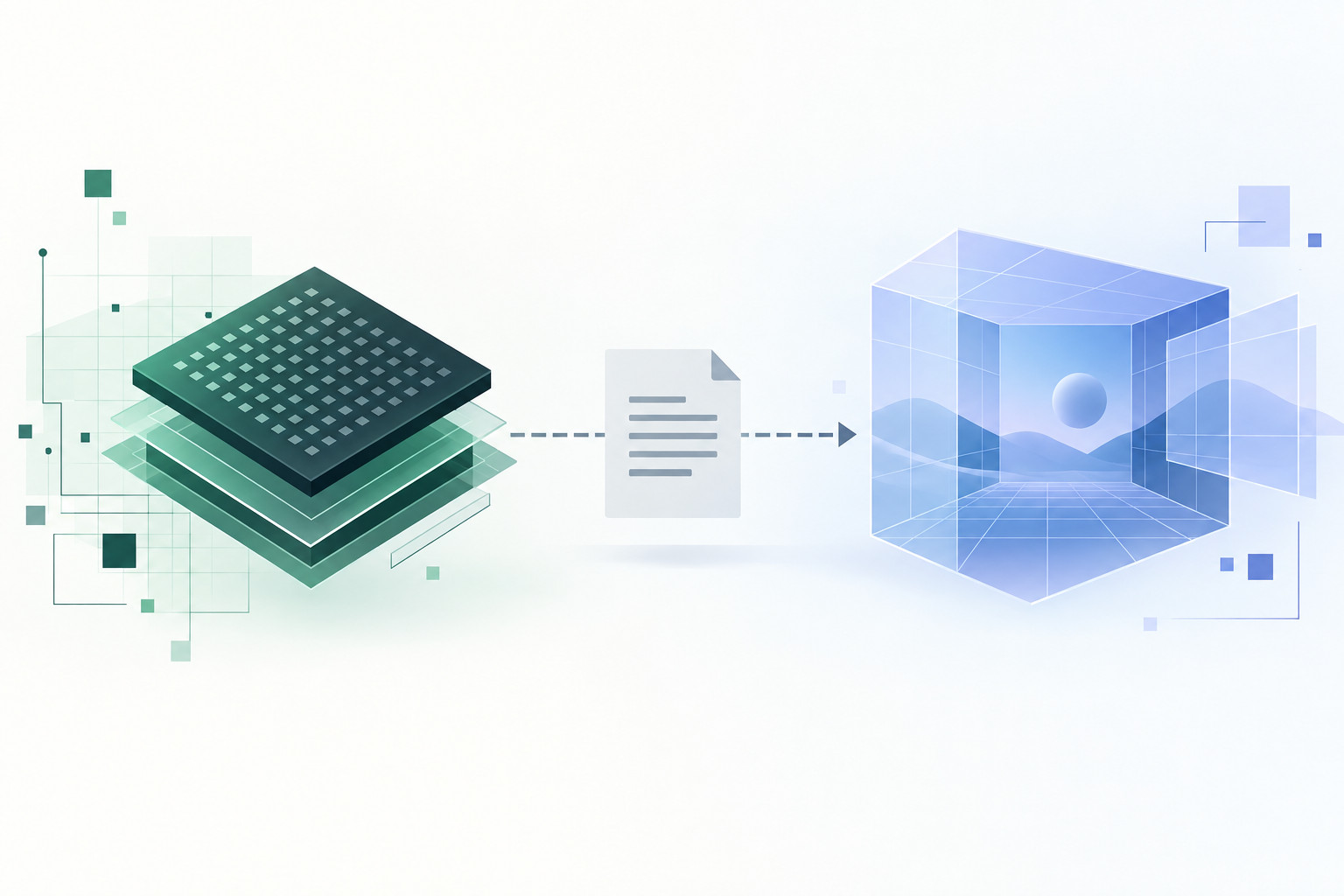
OpenAI’s reported documentation also distinguishes between temporary activity records and the memories created from them. Interaction-event files are said to be stored locally for up to 48 hours and processed on OpenAI servers to generate memories. OpenAI says those temporary event files are not retained after processing, except where legally required, and are not used to train its models. That point is significant: Computer History does send temporary event data to OpenAI for processing, but it should not be characterized as a feature that turns desktop actions into model-training data.
The training question nevertheless requires care for people using personal accounts. OpenAI’s general data-controls guidance says content from individual ChatGPT services may be used to improve models unless a user opts out, while its business products do not use inputs and outputs for training by default. Computer History has a separate, more specific stated policy for its temporary event files: they are not used for training. Users should treat that as distinct from the broader account-level setting governing ordinary ChatGPT conversations and other personal-service content.
Security considerations
Security is another constraint. Reporting that cites OpenAI documentation says the local memory files can contain sensitive information and are not encrypted by the feature; other programs running under the same macOS user may be able to access them. Separate reporting also says OpenAI warns that enabling Computer History can increase prompt-injection risk when the assistant encounters malicious instructions embedded in an app or website. These cautions make app and site selection especially consequential for professionals working with customer records, credentials, proprietary code or other confidential material.
Replacing Chronicle
Computer History replaces Chronicle, an earlier research preview that used screenshots. The move to interaction events changes the type of information being captured, but it does not eliminate the underlying privacy trade-off: ChatGPT can be more useful when it has richer work context, while users must decide which parts of their desktop activity are appropriate to expose to an assistant. For teams, the administrator gate and the initial regional exclusions underscore that the feature is being introduced as a controlled capability rather than a default layer of desktop memory.
For builders and knowledge workers, the near-term test will be whether those boundaries remain understandable in everyday use. The utility case is straightforward: less time reconstructing what happened before a task was interrupted. The harder question is whether users can confidently limit collection to the specific tools and sites where that convenience outweighs the sensitivity of the context being recorded.